
-
How To Generate and Route a Sine Wave Using the Behringer WING
Learn how to generate and route sine waves on the Behringer WING soundboard for system testing and troubleshooting. This step-by-step guide covers setting oscillator frequency, assigning it to channels, and adjusting tones in real-time—essential for live sound engineers in environments like churches, where precise signal control is critical.




Most popular posts
Lorem ipsum dolor sit amet, consectetur adipiscing elit. Ut elit tellus, luctus nec ullamcorper mattis, pulvinar.

Our Best Tools & Guides
Best-Of Awards 2022
Lorem ipsum dolor sit amet, consectetur adipiscing elit. Ut elit tellus, luctus nec ullamcorper mattis, pulvinar dapibus leo.

-
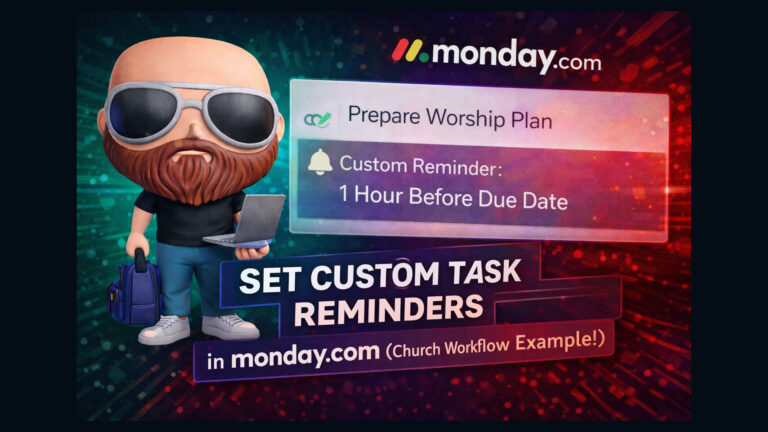
Setting Up Simple Task Reminders in Monday.com Using Automations
Learn how to set up reminder notifications in Monday.com using a custom date column and automation rules. This effective workaround lets teams receive proactive task alerts before due dates—perfect for environments like church communications, where staying ahead of deadlines is vital for managing ongoing events and sub-projects.
-
Automating Sub-Items in monday.com to Improve Project Workflow in Church Communications
Learn how to automate sub-item creation in monday.com based on status column changes, streamlining your project management process. Perfect for church communications teams handling recurring tasks like creating URLs, registrations, and print materials. Save time and eliminate repetitive work with easy-to-set-up automations.
-
Automating an Event Approval Workflow in Monday.com for Church Communications Teams
Streamline your church’s event request process using Monday.com. Learn how to automate approval chains, set due dates, trigger reminders, and escalate approvals using custom automations — all triggered from a form submission.
-
How to Add Your Entire Church Staff to Monday.com Without Paying for Every User
Learn how to add a large church staff to Monday.com without paying per user by leveraging Pro plan guest access and strategic board permissions. This guide shows you how to manage projects effectively with minimal seats, ensuring each team member sees and edits only what they need.
-
How to Accurately Measure Latency on the Behringer Wing Using External Processing
Learn to measure and compensate for latency on the Behringer Wing when using external processing like Waves plug-ins via USB. This tutorial walks step-by-step through phase inversion and sample delay techniques to accurately assess round-trip latency, providing vital insights for clean, time-aligned audio in live or studio environments.
-
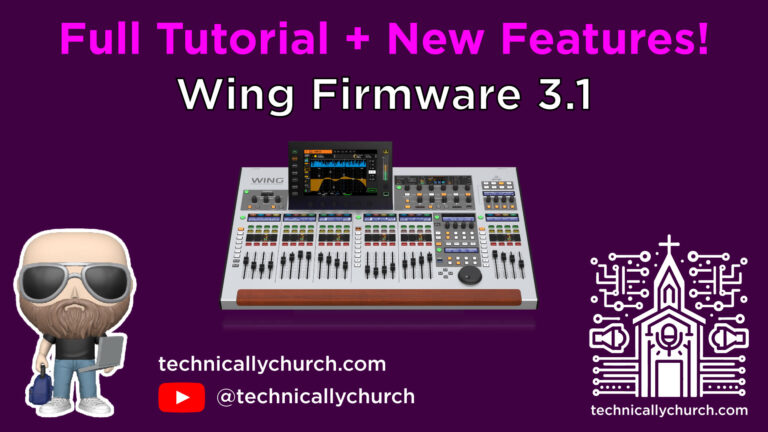
How to Upgrade the Behringer WING Firmware to Version 3.1 – A Complete Walkthrough + New Features
This guide walks you through upgrading the Behringer Wing firmware to version 3.1, including backup procedures, step-by-step installation, verification of Dante/AES50 connectivity, and exploration of all new features like dual-band dynamic EQ, new compressors, and improved AUX processing for an enhanced live mixing experience.
-
Automating Proofing Workflows Between Monday.com, Make.com, and ChatGPT — A Deep Dive
This article details a complete, automated proofing system for church communication teams using Monday.com, Make.com, and ChatGPT. It sends design proofs, gathers AI and human feedback via email, updates project statuses, sends final assets, and closes tasks — all without manual input. A powerful workflow that saves time and enhances productivity.
-
Automated Design Proofing System for Church Communications Using Monday.com, Make.com, and ChatGPT
This automated proofing system uses Monday.com, Make.com, and ChatGPT to eliminate manual design approvals for church event communications. It sends proofs, gathers approvals or revisions via email, performs AI-driven file checks, and updates the task board—all without needing human oversight. Efficient, scalable, and built entirely with no-code tools.




subscribe to newsletter

Steven & Mark
Lorem ipsum dolor sit amet, consectetur adipiscing elit aenean diam dolor.
Premium Content
Lorem ipsum dolor sit amet, consectetur adipiscing elit.

Everything You Need —
Totally Free
Lorem ipsum dolor sit amet, consectetur adipiscing elit. Ut elit tellus, luctus nec ullamcorper mattis, pulvinar dapibus leo.
QUALITY REVIEWS