Phenyx Pro
Check out my review of the Phenyx Pro PTM-10!
🎬 What’s Inside the Video:
✅ Unboxing the Phenyx Pro PTM-10 – Accessories galore!
✅ First Impressions – Build quality & layout breakdown
✅ Full Setup Walkthrough – How to get it up and running
✅ Sound Check – Trying included earbuds vs my own set
✅ Range & Interference Test – We put it to the test from over 150 ft away
✅ Final Thoughts – Is it church-ready? Should YOU buy it?
Phenyx Pro Coupons and Discounts!
Click the link below and use the coupon code “MIKEFOX” for a 5% discount on Phenyx Pro Gear!
Phenyx Pro 5% Discount Coupon Code!
View Recent Posts about Behringer Wing Below
-
Audio | Behringer Wing | Dante
How to Accurately Measure Latency on the Behringer Wing Using External Processing
Learn to measure and compensate for latency on the Behringer Wing when using external processing like Waves plug-ins via USB. This tutorial walks step-by-step through phase inversion and sample delay techniques to accurately assess round-trip latency, providing vital insights for clean, time-aligned audio in live or studio environments.
-
Audio | Behringer Wing | Dante
How to Upgrade the Behringer WING Firmware to Version 3.1 – A Complete Walkthrough + New Features
This guide walks you through upgrading the Behringer Wing firmware to version 3.1, including backup procedures, step-by-step installation, verification of Dante/AES50 connectivity, and exploration of all new features like dual-band dynamic EQ, new compressors, and improved AUX processing for an enhanced live mixing experience.
-
Behringer Wing Virtual Soundcheck: Step-by-Step Guide with Adobe Audition
Learn how to set up a virtual soundcheck using a Behringer Wing and Adobe Audition. Record multitrack audio over USB, then playback for EQ refinement, training, and mixing — all without the band on stage. Ideal for churches, this guide enhances your workflow and improves mix consistency week after week.
-
How to Record 48 Individual Channels from the Behringer Wing into Audacity Using USB — A Step-by-Step Guide
Learn how to record up to 48 individual audio tracks from your Behringer Wing console into Audacity via USB—for free. This step-by-step guide covers system setup, USB routing, recording, and exporting. Great for churches wanting budget-friendly multitrack recordings for post-production, training, or mix refinement.
-
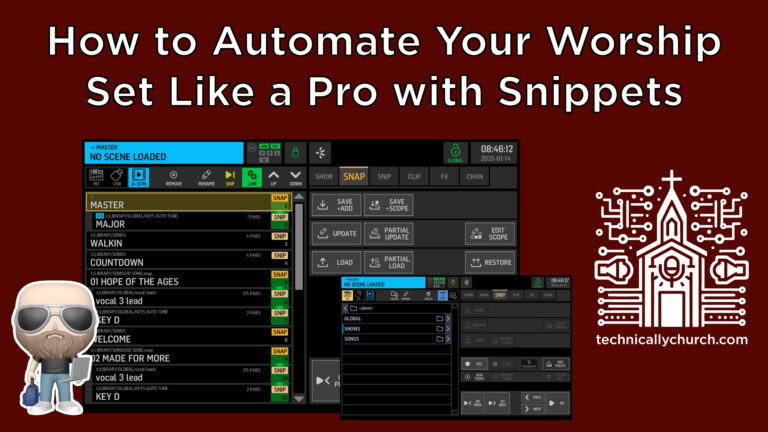
How to Automate Your Worship Set Like a Pro with Snippets
This article explores Behringer Wing automation using shows, snapshots, and snippets. Learn to dynamically configure lead vocals, delay routing, Auto-Tune keys, and DCA assignments per song—all triggered with one button press. With structured linking and MIDI integration, this workflow offers powerful, repeatable, hands-free live mix optimization.
-
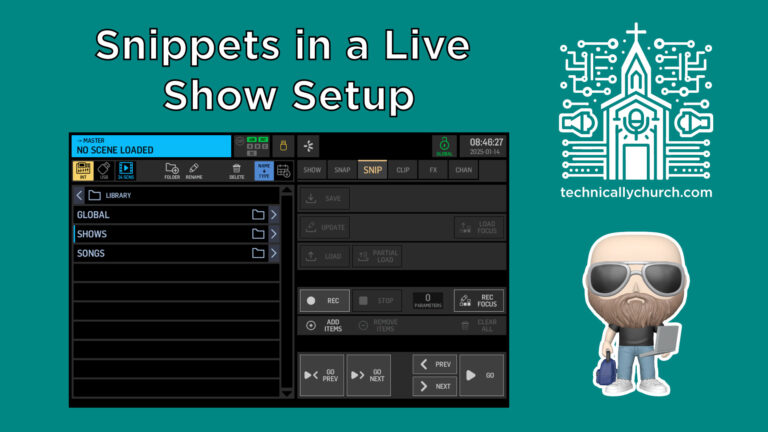
Advanced Behringer WING Tutorial: Snippets in a Live Show Setup
Learn how to use Snippets on the Behringer Wing console to automate vocal lead changes, apply effects, and color-code channels during live church services. Pair Snapshots with Snippets within a Show for a streamlined and error-free workflow that enhances consistency and reduces manual adjustments.
-
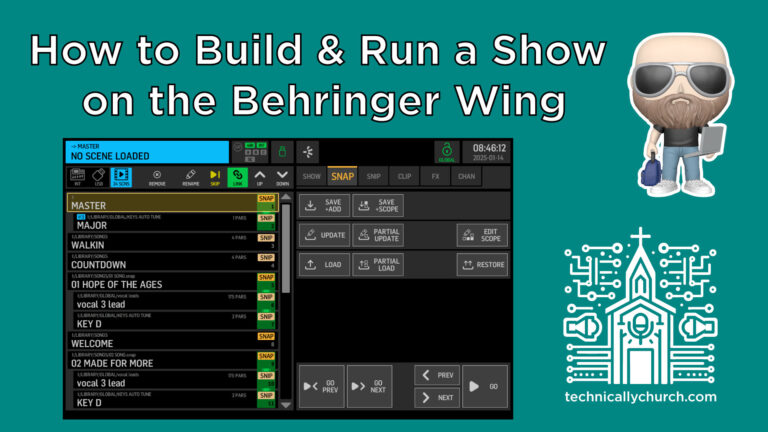
How to Build and Run a Show on the Behringer Wing
Learn how to build and run a show on the Behringer Wing by organizing song-specific snapshots into a sequential show. This guide walks you through saving snapshots, creating a show, adding mixes, and using Show Control to automate transitions live for consistent and stress-free audio playback during events.
-
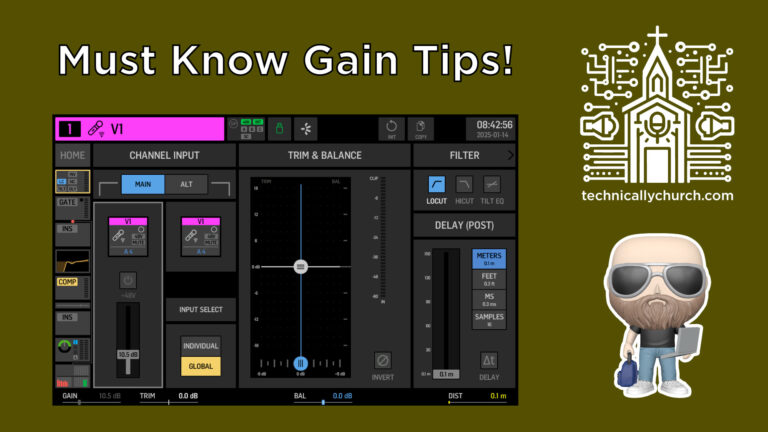
Mastering Gain Staging and Sound Check for Church Audio
Proper gain staging during sound check is essential for clean mixes, accurate dynamics, and consistent monitor levels. Learn how to set nominal gain using the Behringer Wing, how preamp levels affect every part of your mix, and why correcting gain mid-rehearsal leads to major frustrations for musicians and engineers alike.
-
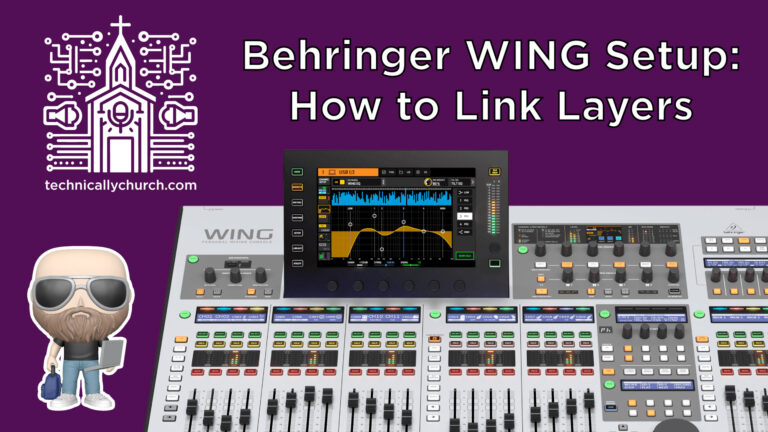
Behringer WING Setup: How to Link Layers & Navigate Like a Boss
Learn how to navigate and customize layers on the Behringer Wing mixing console. Discover how to place any source—channels, buses, matrices—onto any layer, customize user layouts for different service sections, and link surface areas to streamline control. Perfect for church techs managing worship and message transitions.